Tracking Bar Coordinate System
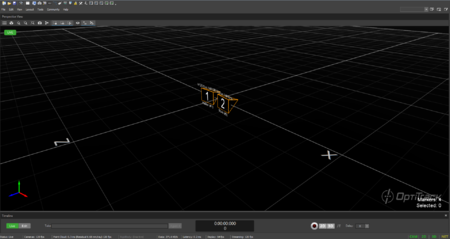
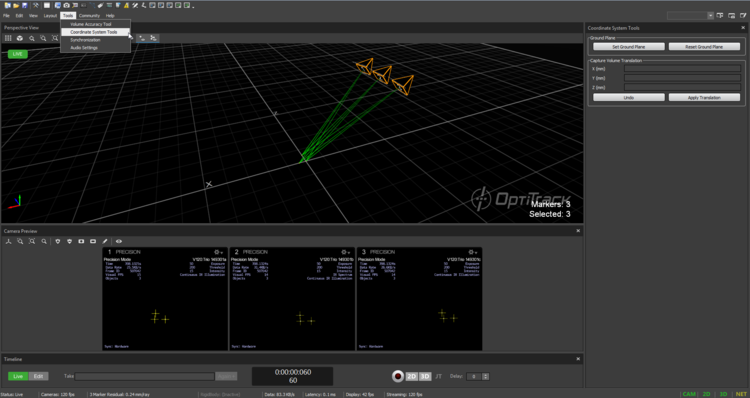
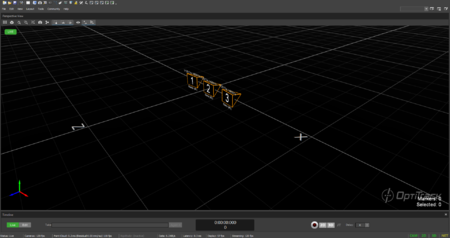
If you wish to change the location and orientation of the global axis, you can use the Coordinate Systems Tool which can be found under the Tools tab.


Coordinate Systems Tool
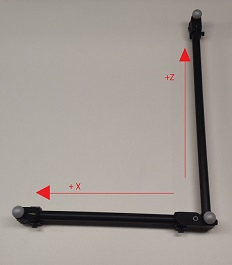
When using the Duo/Trio tracking bars, you can set the coordinate origin at a desired location and orientation using a calibration square. Make sure the calibration square is oriented properly.
Adjusting the Coordinate System Steps
Place the calibration square at the desired origin.
[Motive] Open the Coordinate System Tools pane under the Tools tab.
[Motive] Select the Calibration square markers from the Perspective View pane.
[Motive] Click the Set Ground Plane button from the Coordinate System Tools pane, and the global origin will be adjusted.


Was this helpful?