VersaX Camera Ring Light Installation
A guide to installing and removing the optional Ring Light from a Versa camera
Overview
The VersaX camera line includes an optional ring light that can be installed or removed as needed.


Ring Light Posts
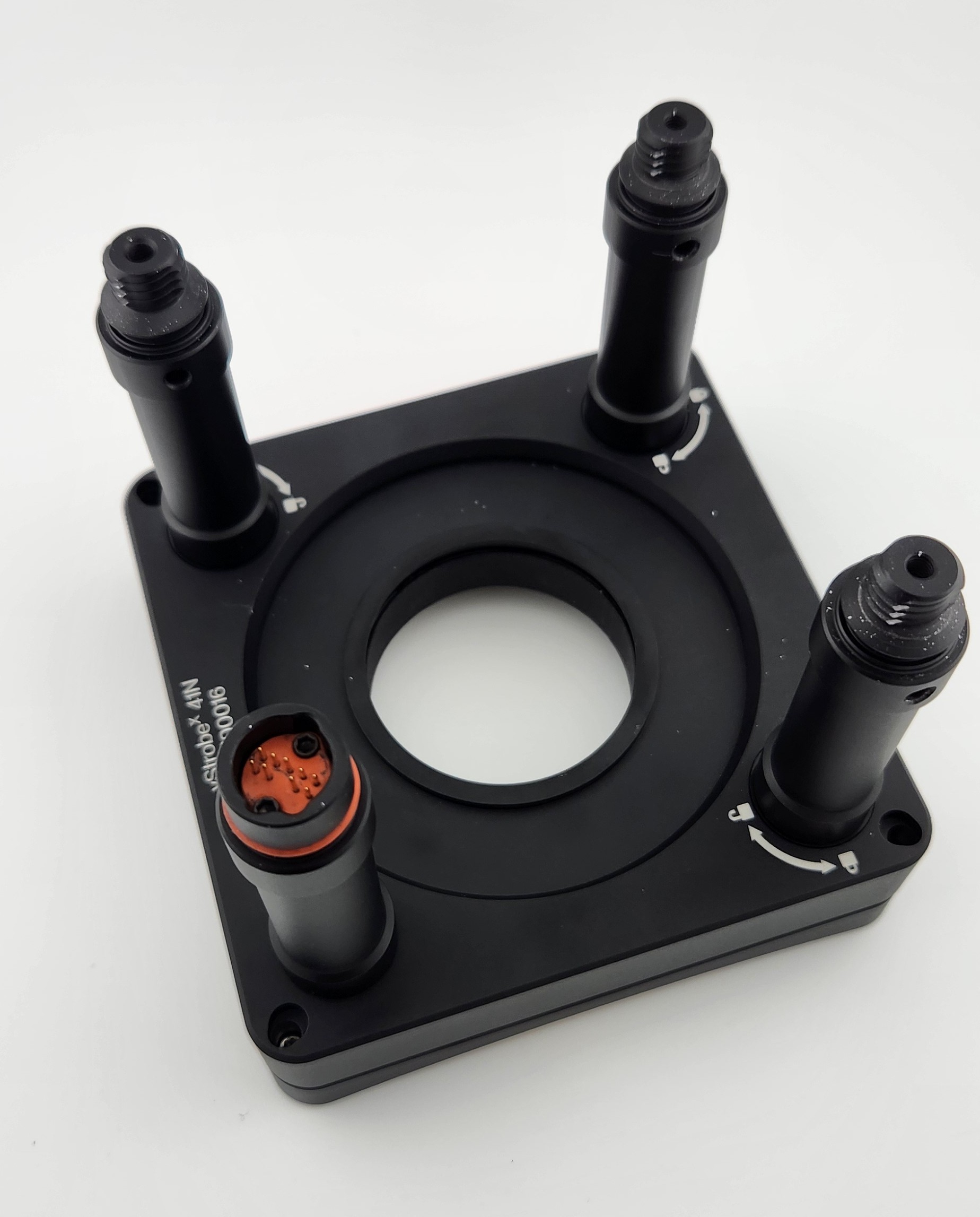
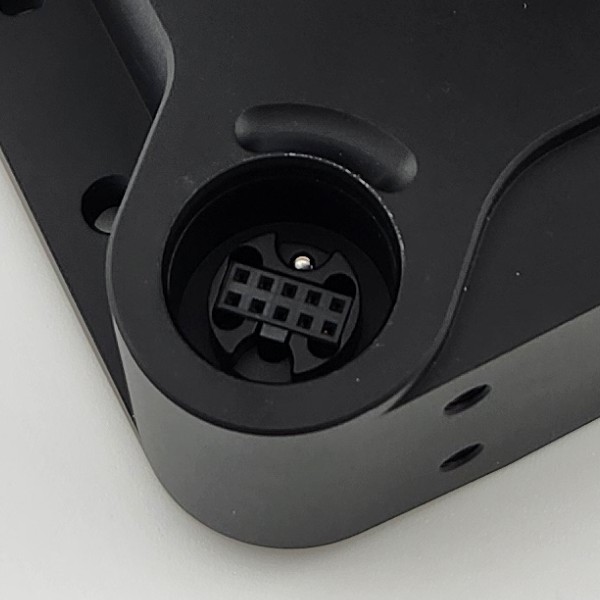
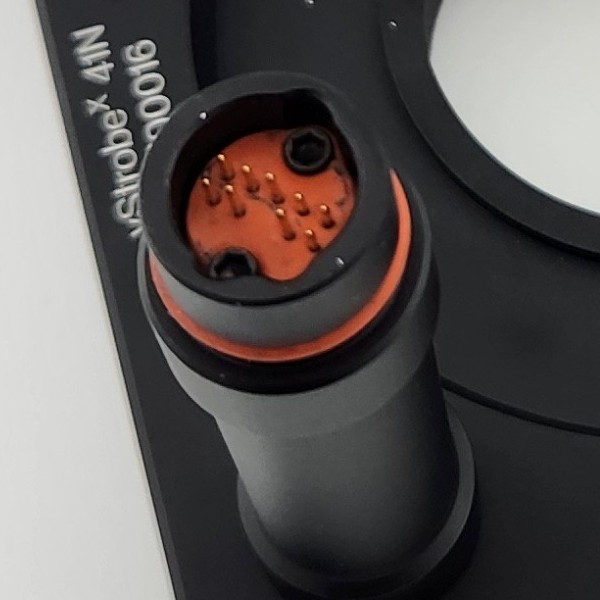
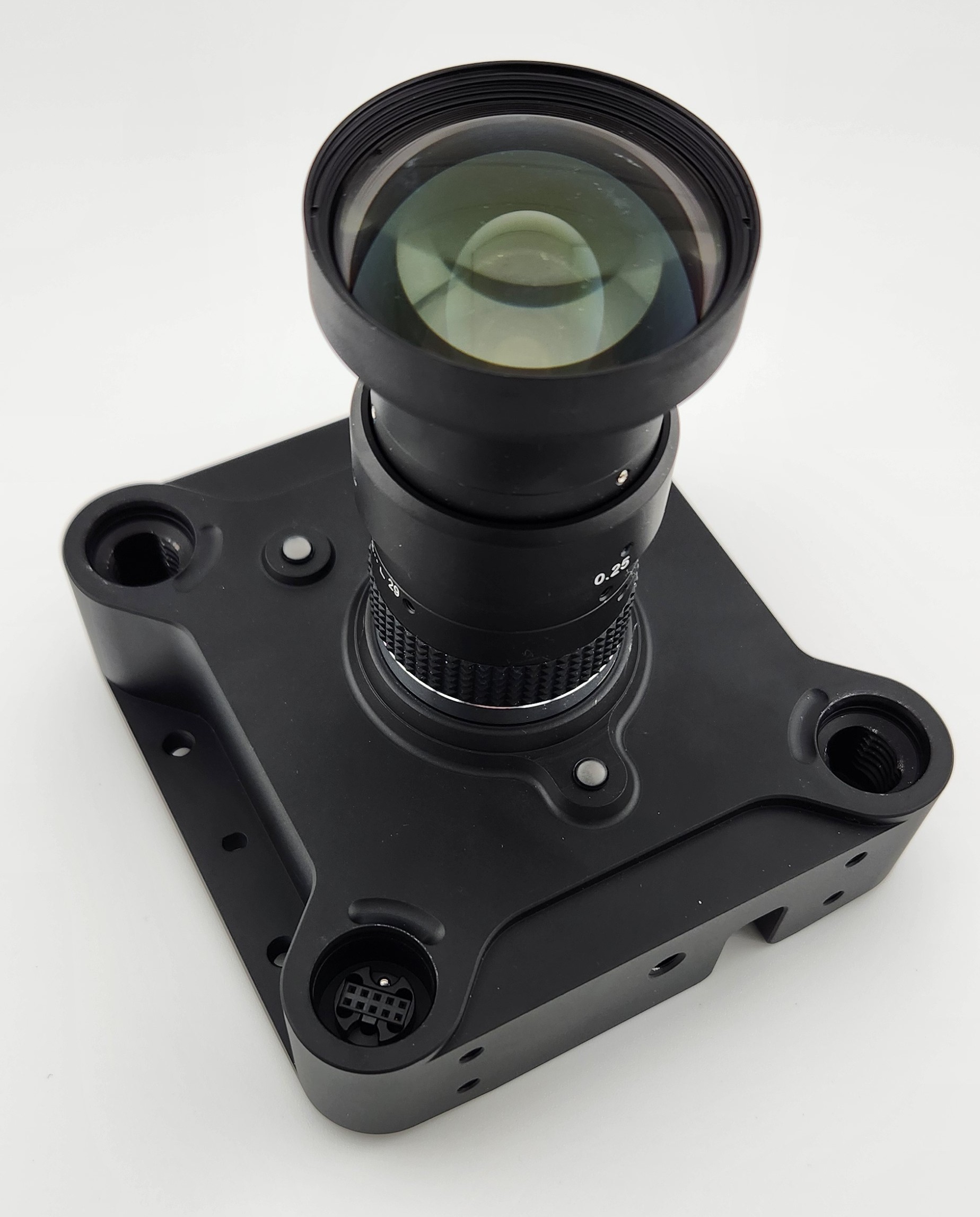
The ring light has 1 post that includes a 9-pin connector to attach to the camera electronically. One of the post holes on the VersaX camera contains the corresponding plug. Make sure the connector is lined up with the correct post hole before attaching the ring light.


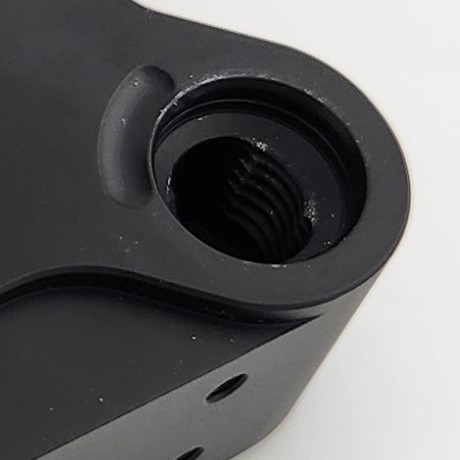
3 posts lock the ring light into the corresponding post holes in the VersaX camera:


Attaching the Ring Light
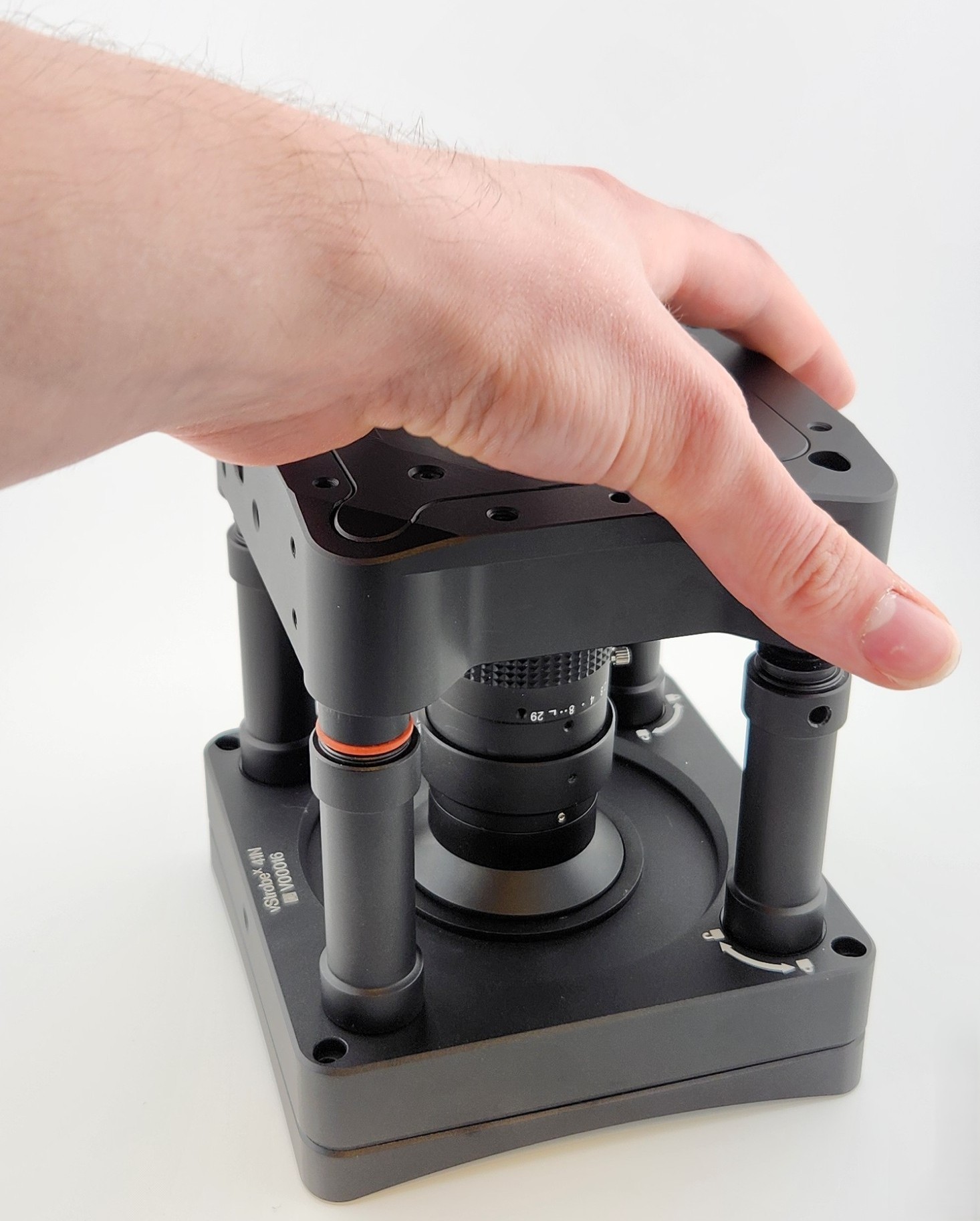
Place the Ring Light on a secure, flat surface with the posts pointing up.
Align the camera so the Ring Light Connector inserts into the corresponding Connector post hole on the camera.
Ensure that the Connector is properly and fully inserted into the camera.

Locking the Ring Light
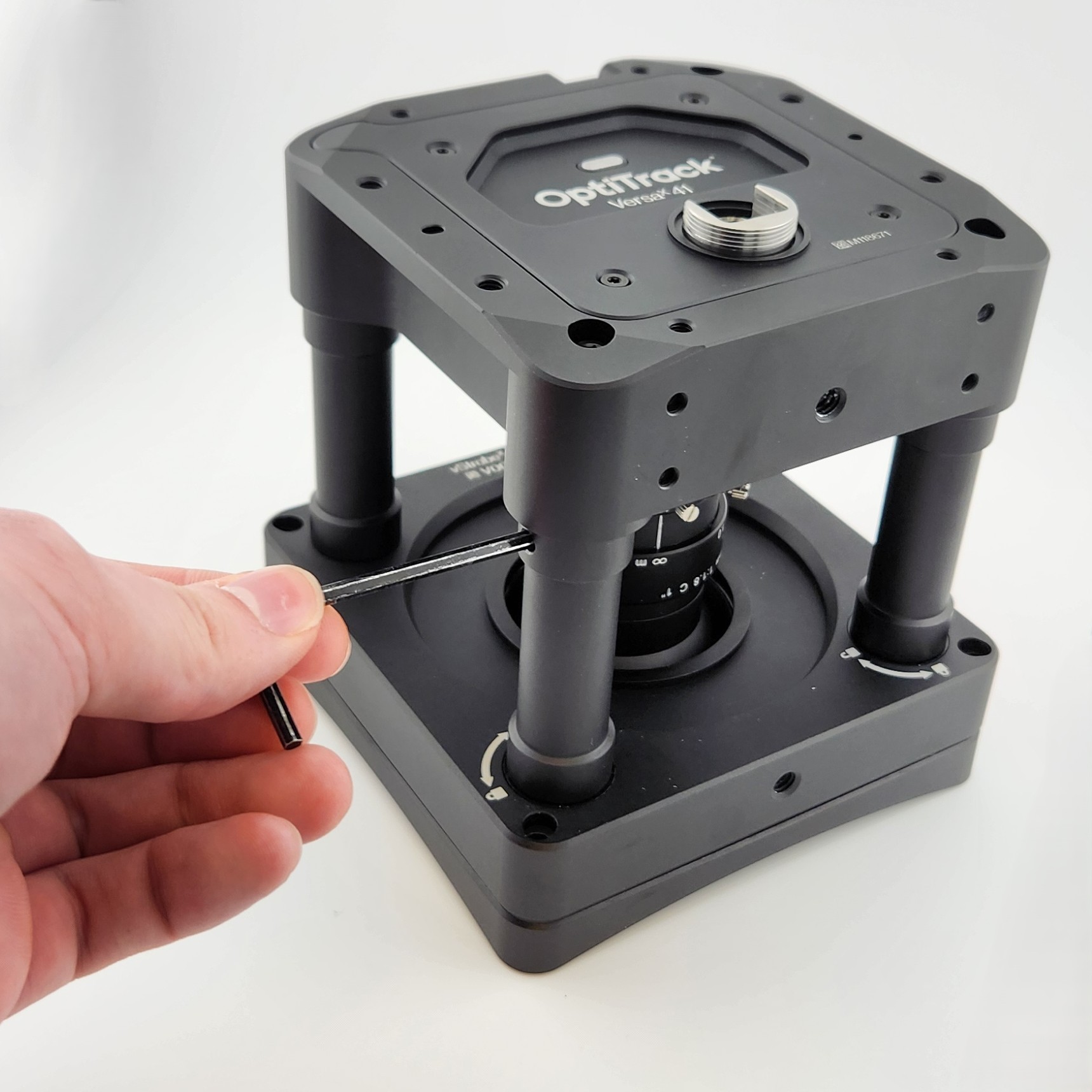
Using the tool provided with the Camera Ring Light, lock the remaining 3 posts in place to secure the Ring Light onto the camera.
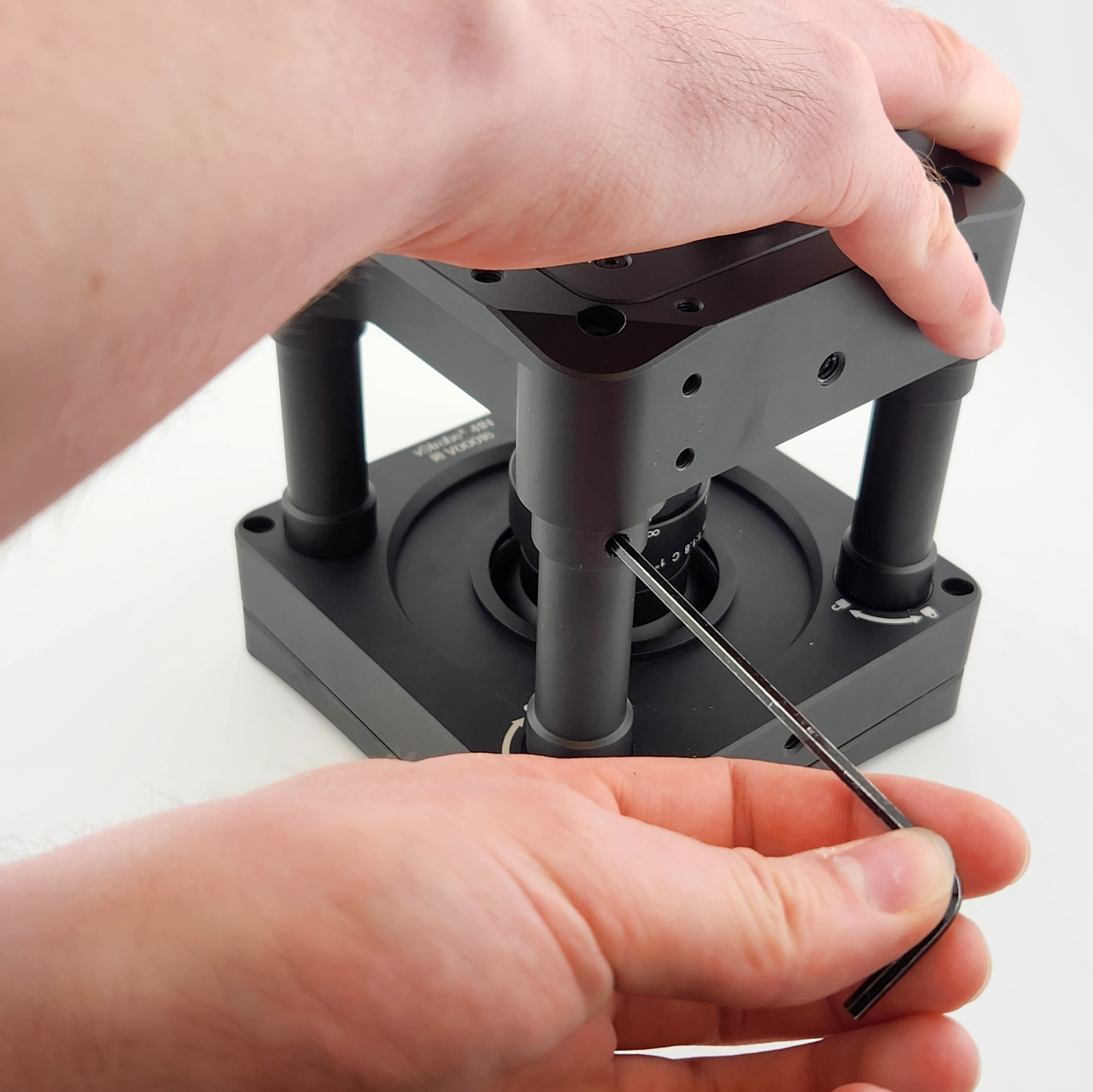
Insert the locking tool into the hole at the top of the post, just below the camera base.

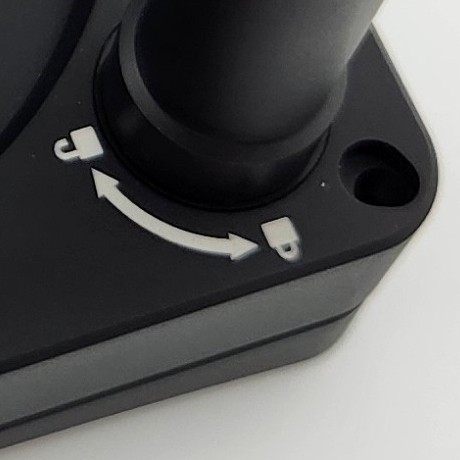
Use the locking tool to turn the post in the direction shown on the graphic where the post connects to the Ring Light. Note that the locking hole does not line up with the graphic.
Repeat until all 3 posts have been locked in place.

Removing the Ring Light
To remove the Ring Light, use the Locking Tool to unlock the posts, then gently but firmly remove the camera from the Connector post.
Last updated
Was this helpful?