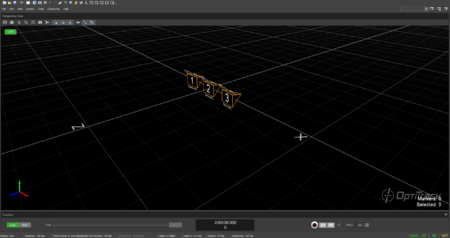
The OptiTrack Duo/Trio tracking bars are factory calibrated and there is no need to calibrate the cameras to use the system. By default, the tracking volume is set at the center origin of the cameras and the axis are oriented so that Z-axis is forward, Y-axis is up, X-axis is left.
Tracking Bar Coordinate System
If you wish to change the location and orientation of the global axis, you can use the Coordinate Systems Tool which can be found under the Tools tab.
Default coordinate axis for the Trio tracking bar.
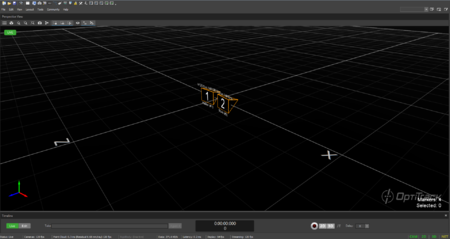
Default coordinate axis for the Duo tracking bar.
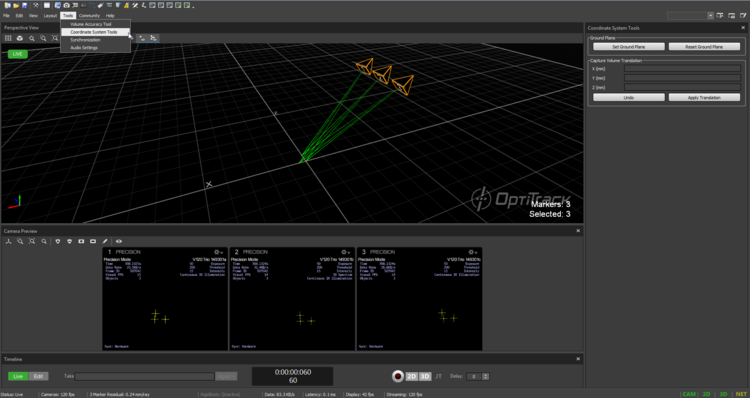
Coordinate Systems Tool
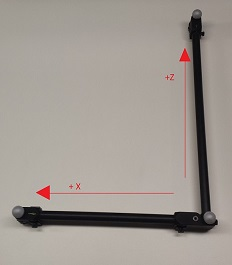
When using the Duo/Trio tracking bars, you can set the coordinate origin at a desired location and orientation using a calibration square. Make sure the calibration square is oriented properly.
Adjusting the Coordinate System Steps
Place the calibration square at the desired origin.
[Motive] Open the Coordinate System Tools pane under the Tools tab.